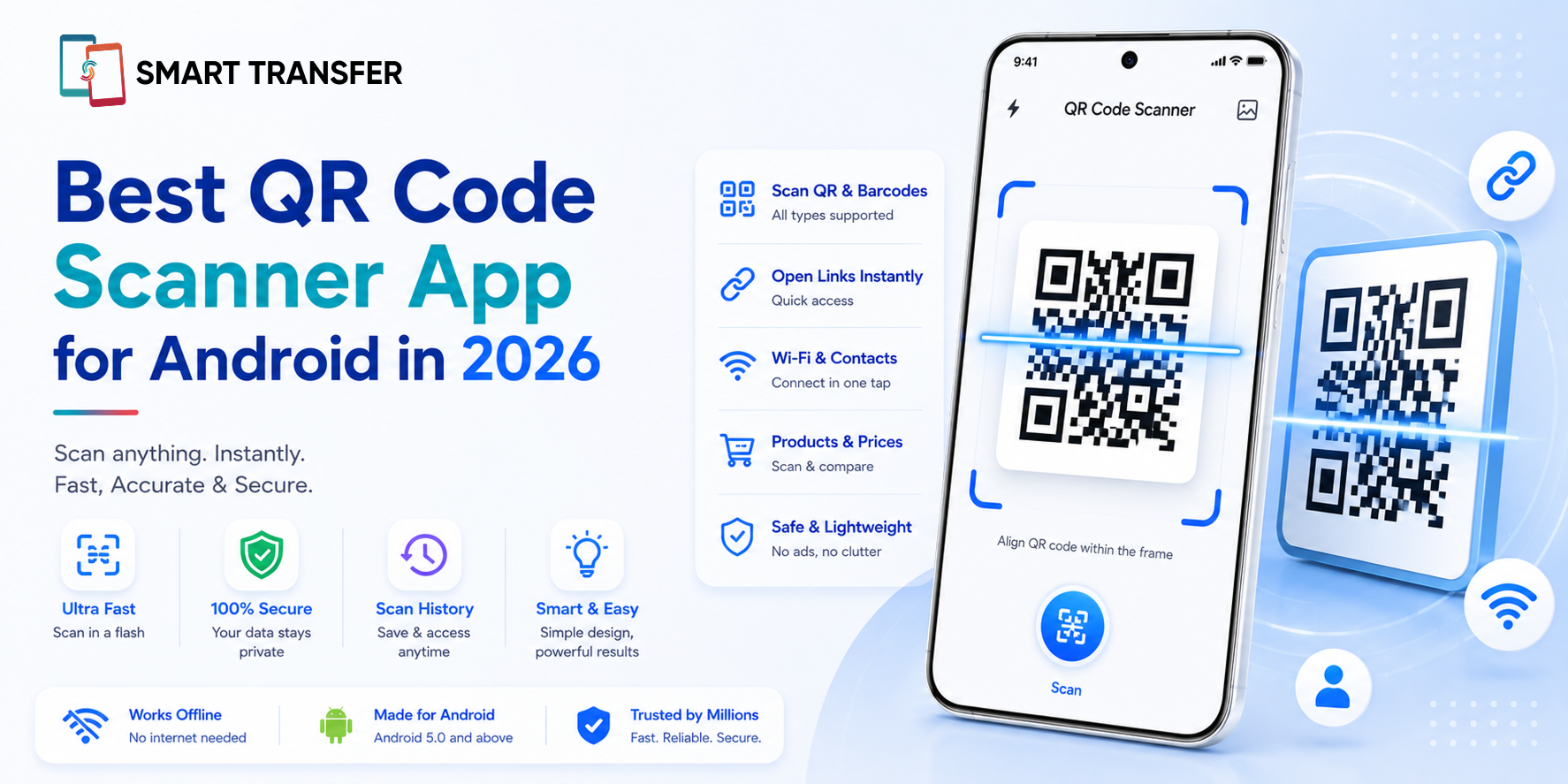
QR codes have become part of everyday life. Whether you're connecting to Wi-Fi, making a payment, opening a restaurant menu, accessing event tickets, or visiting a website, a reliable QR code scanner helps you get where you need to go in seconds. But with so many QR scanner apps available for Android, choosing the right one isn't always straightforward.
The best QR code scanner app should do more than simply read QR codes. It should scan quickly, recognize different QR code types accurately, protect your privacy, and provide a smooth, ad-free experience whenever possible. Reliability, ease of use, and security are just as important as scanning speed.
In this guide, we'll look at the features that matter most when choosing a QR code scanner and explain why Smart Transfer's QR Code Scanner is one of the best QR code scanner apps for Android in 2026. Whether you scan QR codes occasionally or use them every day, understanding what to look for will help you choose an app you can rely on.
Key Takeaways
The best QR code scanner app is fast, accurate, and secure. Beyond scanning speed, it's important to choose an app that recognizes different QR code types, protects your privacy, and delivers a reliable user experience.
Not all QR scanner apps offer the same features. Some apps only scan QR codes, while others provide additional tools that make them more useful for everyday tasks and device management.
Smart Transfer combines quick QR code scanning with practical phone utilities. In addition to its built-in QR Code Scanner, it offers features like phone-to-phone transfers, storage management, contact organization, backups, and network information, giving you more value in a single app.
What Makes a Great QR Code Scanner App?
Not all QR code scanner apps are created equal. While most apps can scan a basic QR code, the best ones are designed to be fast, accurate, secure, and easy to use. Whether you're scanning a Wi-Fi QR code, a payment code, or an event ticket, you want an app that works reliably every time.
Here are the features that separate a great QR code scanner app from an average one.
These are the same factors we used to evaluate Smart Transfer's QR Code Scanner feature. Rather than focusing only on scanning speed, it combines reliable QR code recognition with a simple interface and practical tools that continue to add value beyond a single scan.
Why Smart Transfer Is One of the Best QR Code Scanner Apps for Android
Choosing the best QR code scanner isn't just about finding an app that can read QR codes. It should be fast, accurate, secure, and easy to use every time you scan. Based on these criteria, Smart Transfer offers a well-rounded experience that goes beyond basic QR code scanning.
One of Smart Transfer's biggest advantages is that it isn't just a QR code scanner. While many QR scanner apps serve a single purpose, Smart Transfer combines QR code scanning with practical tools that help you manage and maintain your Android device. That means you can continue using the app long after you've finished scanning your first QR code.
What Can You Scan with a QR Code Scanner?
QR codes are used for much more than opening websites. Today, you'll find them in restaurants, retail stores, airports, offices, schools, and even on product packaging. A good QR code scanner should recognize different types of QR codes and quickly direct you to the right action.
Here's a look at some of the most common QR code types and how they're used.
A reliable QR code scanner should recognize these QR code types quickly and accurately, helping you complete everyday tasks without unnecessary delays. Whether you're connecting to Wi-Fi, saving a new contact, or opening an event ticket, the right scanner makes the process simple and seamless.
How to Choose the Best QR Code Scanner App
With so many QR code scanner apps available on Google Play, it's worth looking beyond ratings and download numbers. The best app should not only scan QR codes quickly but also protect your privacy, receive regular updates, and provide a smooth user experience.
Before downloading a QR code scanner, consider the following factors.
While many QR code scanner apps can read a QR code, the overall experience often comes down to reliability, security, and ease of use. Choosing an app that performs well in all of these areas ensures you'll continue to find it useful long after your first scan.
Common QR Code Scanning Problems (and How to Fix Them)
Most QR codes scan instantly, but occasionally you may run into issues. The good news is that many scanning problems are easy to resolve with a few simple checks.
Most scanning issues are caused by environmental factors such as poor lighting, blurry images, or damaged QR codes rather than the scanner itself. Using a reliable QR code scanner and taking a moment to position your camera correctly will usually resolve the problem in just a few seconds.
Scan QR Codes with Confidence
A great QR code scanner should be fast, accurate, secure, and easy to use. While many apps can scan QR codes, the best ones provide a reliable experience and continue to be useful beyond a single scan.
Smart Transfer's QR Code Scanner combines quick, dependable scanning with a suite of everyday phone utilities, making it a practical choice for Android users who want more than a standalone QR reader. Whether you're connecting to Wi-Fi, opening a website, saving a contact, or accessing an event, Smart Transfer helps you do it quickly and confidently.
Ready to start scanning? Download Smart Transfer from Google Play or the Apple App Store and discover a smarter way to scan QR codes while enjoying powerful tools for managing your Android device.
Frequently Asked Questions About QR Code Scanner Apps
What is the best QR code scanner app for Android?
The best QR code scanner app is one that combines fast and accurate scanning with strong privacy, an intuitive interface, and support for multiple QR code types. While many apps can scan basic QR codes, choosing one with additional features and regular updates provides greater long-term value.
Is a QR code scanner app safe to use?
Yes, reputable QR code scanner apps are generally safe to use. For added security, choose an app that lets you preview a QR code's destination before opening it, and only download apps from trusted sources such as the Google Play Store
Can I scan QR codes without an internet connection?
Yes. You can scan most QR codes without an internet connection because the camera only needs to read the code. However, if the QR code contains a website, online payment link, or other web-based content, you'll need an internet connection to access it after scanning.
Can I scan a QR code from a photo on my phone?
Many QR code scanner apps allow you to scan QR codes saved in your photo gallery as well as printed codes. Support for this feature varies by app, so it's worth checking before downloading.
What types of QR codes can a scanner read?
Most modern QR code scanner apps can read website URLs, Wi-Fi credentials, contact cards, locations, calendar events, email addresses, SMS messages, and supported payment QR codes. The exact capabilities depend on the app you're using.