Running out of phone storage doesn't mean you have to delete the photos, videos, or documents that matter most. In many cases, you can free up several gigabytes of space simply by removing hidden clutter like cached data, duplicate photos, old downloads, and temporary files that accumulate over time.
The key is knowing what's safe to remove and what should stay. In this guide, you'll learn practical ways to free up phone storage without losing important files, helping your device run more smoothly while keeping your memories and essential data intact.
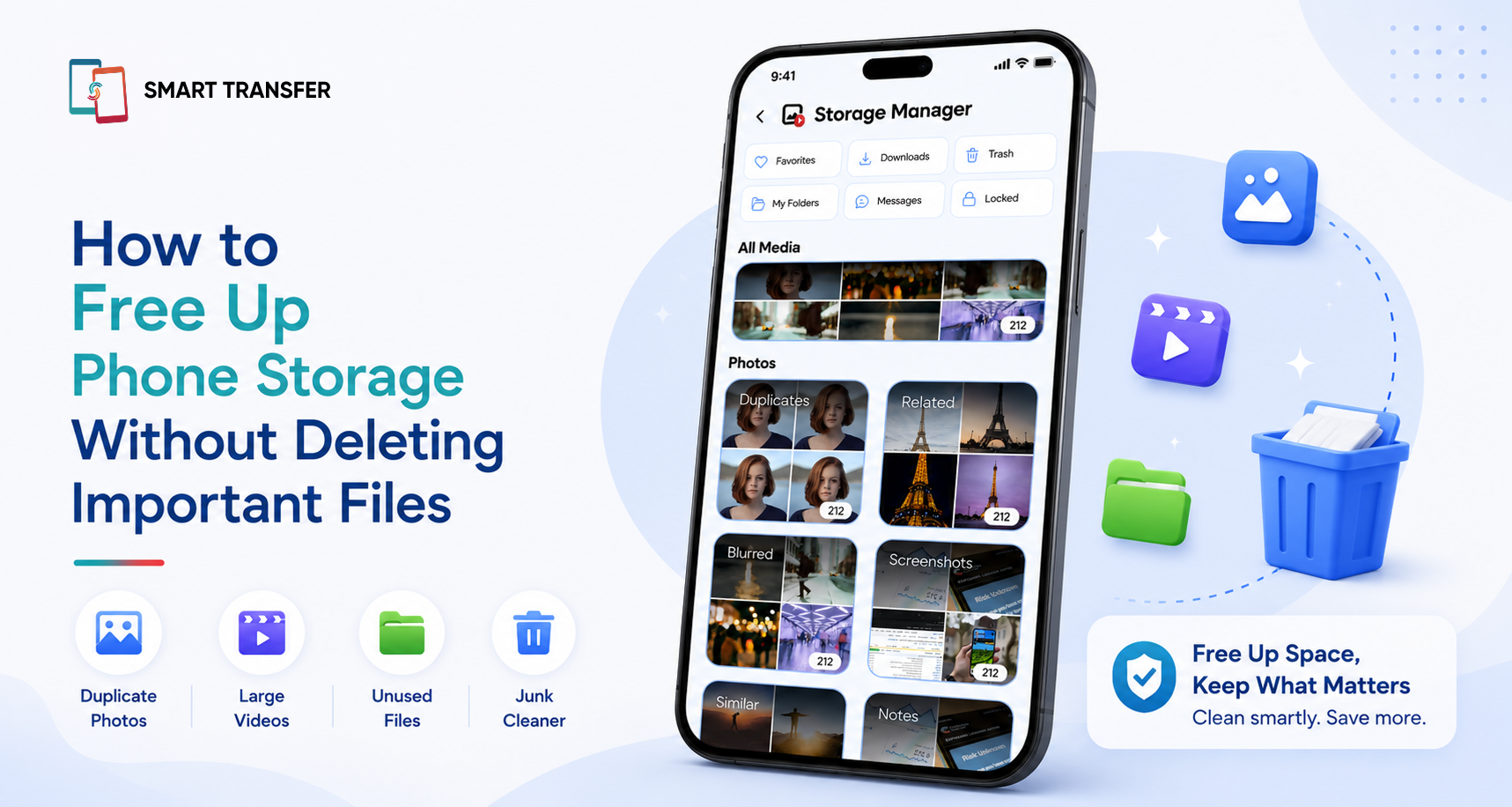
If you're wondering why your storage fills up so quickly in the first place, our guide on Why Is My Phone Storage Full? explains the most common causes. Once you're ready to reclaim space, Smart Transfer's Storage Manager makes it easy to identify duplicate photos, blurry images, large files, and other unnecessary content that can be safely removed.
Key Takeaways
You don't have to delete important files to free up phone storage. Removing duplicate photos, clearing app cache, deleting old downloads, and getting rid of temporary files can reclaim a surprising amount of space.
Knowing what's safe to delete is the key to protecting your data. Focus on removing digital clutter while keeping your photos, videos, contacts, documents, and other important files secure.
Regular storage maintenance keeps your phone running smoothly. Cleaning up unnecessary files and using tools like Smart Transfer's Storage Manager makes it easier to stay organized and avoid future storage warnings.
What's Safe to Delete (and What Should You Keep)?
One of the biggest reasons people run out of storage is fear. They're worried that deleting the wrong file could erase important memories, documents, or contacts.
The good news is that many of the files taking up space on your phone can be safely removed. Knowing the difference between temporary clutter and important data helps you free up storage with confidence.
Remember, every phone is different. Before deleting anything permanently, take a quick look through the files to make sure you no longer need them. If you're unsure, it's always safer to create a backup first.
7 Ways to Free Up Phone Storage Without Deleting Important Files
If your phone is constantly warning you that storage is running low, don't start deleting your favorite photos or important documents. In most cases, you can recover a surprising amount of space by removing unnecessary files that have built up over time.
Here are some of the safest and most effective ways to free up storage without losing the files that matter.
1. Remove Duplicate Photos
It's easy to end up with multiple copies of the same picture after sharing images, restoring backups, or taking several shots to get the perfect one. These duplicates quietly consume valuable storage without adding any value.
Smart Transfer's Storage Manager can quickly identify duplicate and similar photos, making it easier to remove unnecessary copies while keeping the originals.
2. Clear App Cache
Many apps store temporary files to help them load faster. Over time, cached data can grow to several gigabytes, especially in browsers, social media apps, and streaming services.
Clearing an app's cache removes temporary files without deleting your personal data or account information, making it one of the safest ways to recover storage.
3. Delete Old Downloads
The Downloads folder is often filled with files you needed once and forgot about. Old PDFs, installation files, presentations, and shared documents can sit there for months, taking up space without you realizing it.
Review your downloads regularly and remove anything you no longer need.
4. Remove Blurry Photos and Unwanted Screenshots
Blurry photos, accidental screenshots, and images saved from group chats can quickly clutter your gallery.
Instead of scrolling through thousands of pictures manually, Smart Transfer's Storage Manager helps you locate blurry images, screenshots, and similar photos so you can clean up your gallery much faster.
5. Delete Large Files You No Longer Need
Large videos, offline movies, and forgotten files are often responsible for using the most storage.
Review your largest files occasionally and remove anything you've already watched, shared, or no longer need. Even deleting a few large files can free up several gigabytes of storage.
6. Move Important Files Instead of Deleting Them
If your phone is full but you don't want to lose your photos or videos, consider moving them to another device instead of deleting them.
With Smart Transfer's Phone Clone feature, you can securely transfer your important files to a new phone, helping you free up space on your current device while keeping your memories safe.
7. Back Up Before You Delete
If you're unsure whether you'll need a file later, create a backup before removing it. Having a backup means you can safely free up storage without worrying about permanently losing important information.
Smart Transfer's Backup & Restore feature makes it easy to back up essential data, giving you extra peace of mind before you start cleaning up your device.
Common Storage Mistakes to Avoid
When your phone is running out of storage, it's tempting to start deleting files as quickly as possible. However, a few common mistakes can lead to lost data or only free up a small amount of space. Here's what to avoid.
How to Keep Your Phone Storage Organized
Freeing up storage feels great, but keeping your phone organized is what prevents the "Storage Almost Full" warning from coming back. A few simple habits can help you stay on top of clutter without spending hours cleaning your device.
Review Your Storage Every Month
Don't wait until your phone runs out of space. Check your storage usage once a month to see which apps and file types are taking up the most room. Regular maintenance makes it much easier to spot large files and unnecessary downloads before they become a problem.
Clean Up Your Gallery Regularly
Duplicate photos, blurry images, screenshots, and old videos can build up surprisingly quickly. Spending just a few minutes each month reviewing your gallery can help you reclaim storage while keeping your photo library organized.
Back Up Important Files Before Major Cleanups
Before deleting large numbers of photos, videos, or documents, make sure you've backed up anything you may want to keep. Having a backup gives you the confidence to free up storage without worrying about losing important memories or information.
Free Up Phone Storage Without Losing What Matters Most
Running out of storage doesn't mean sacrificing your favorite photos, important documents, or personal memories. By removing duplicate files, clearing cached data, deleting unnecessary downloads, and organizing your storage regularly, you can reclaim valuable space while keeping the files that matter most.
When it's time for a deeper cleanup, Smart Transfer's Storage Manager helps you quickly identify duplicate photos, blurry images, large files, and other unnecessary content, making it easier to free up storage without the guesswork.
Ready to reclaim your phone's storage? Download Smart Transfer from Google Play or the Apple App Store and keep your device organized, clutter-free, and running at its best.
Frequently Asked Questions About Freeing Up Phone Storage
How can I free up phone storage without deleting important files?
You can free up phone storage by removing duplicate photos, clearing app cache, deleting old downloads, and getting rid of temporary files. These items often take up a significant amount of space without affecting your important photos, videos, contacts, or documents.
Why is my phone storage still full after deleting files?
Deleting a few photos or apps may not free up much space because hidden files like cached data, duplicate images, offline downloads, and temporary system files can continue to use storage. Checking your storage breakdown can help identify what's using the most space.
Is it safe to clear my phone's cache?
Yes. Clearing an app's cache is generally safe because it only removes temporary files that help apps load faster. Your personal data, account information, and photos remain unaffected.
What takes up the most storage on a phone?
Photos and videos are often the largest storage users, especially if they're recorded in high resolution. Other common storage hogs include downloaded files, cached app data, duplicate photos, screenshots, offline media, and large documents.
How often should I clean up my phone storage?
Reviewing your phone's storage once a month is a good habit. Regularly removing duplicate photos, old downloads, and temporary files helps prevent storage from filling up and keeps your phone running smoothly.