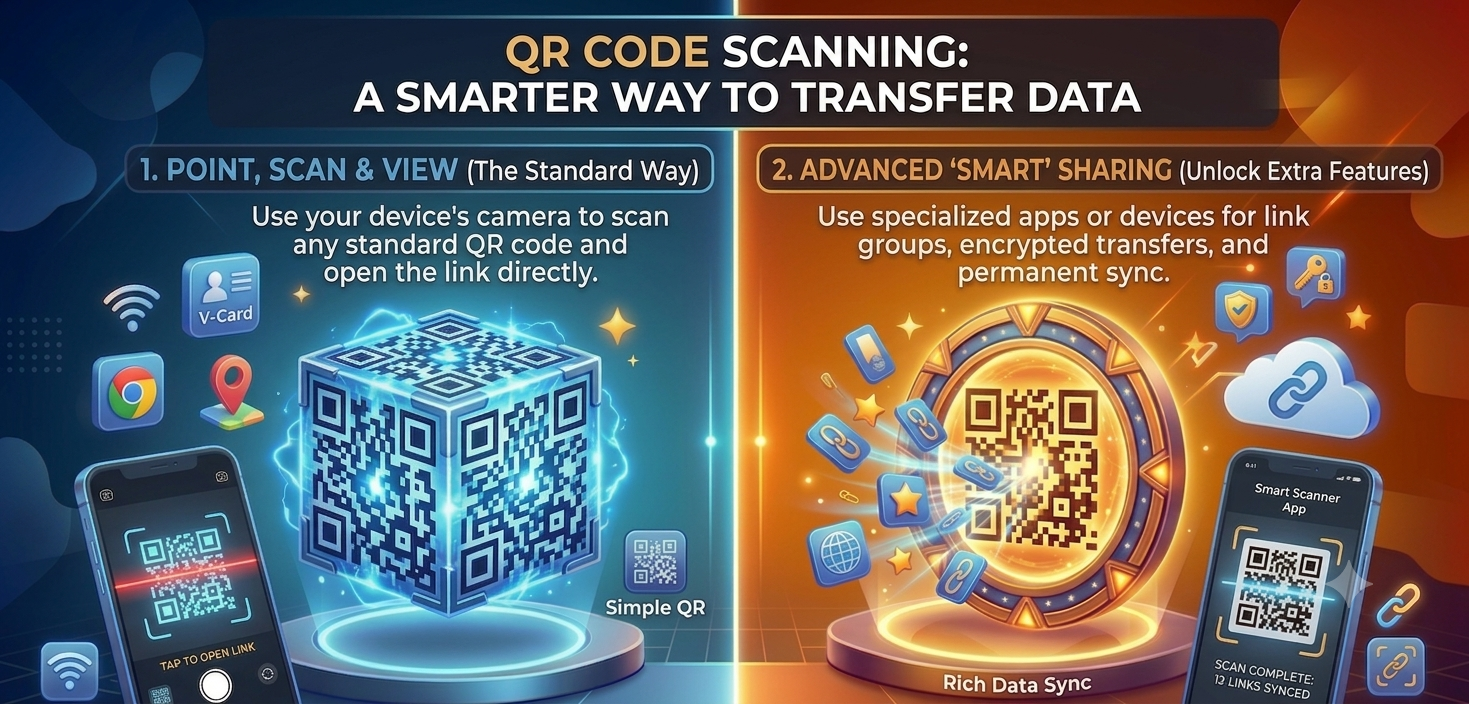
Not too long ago, transferring something from one device to another usually involved a few extra steps. You emailed yourself a file, plugged in a cable, or spent several minutes trying to pair two devices that refused to find each other.
Today, much of that friction has disappeared.
You scan a QR code and instantly connect to Wi-Fi. You scan another and save someone's contact information. Some apps let you pair two devices and start transferring photos, videos, and documents with nothing more than a quick scan.The little square made of black and white boxes has quietly become one of the simplest ways to move information between devices.
Key Takeaways
QR codes simplify data transfer by removing manual setup steps.
They are commonly used to share Wi-Fi, contacts, links, and files.
Many apps use QR codes to pair devices before transferring data.
QR-based transfers feel faster because the connection process is almost instant.
Why QR Codes Have Become a Smarter Way to Transfer Data
Think about how much information we exchange every day. Photos, websites, passwords, documents, and contact details constantly move between phones, tablets, and computers. The challenge has never been the information itself. It has always been finding a fast and convenient way to share it.
This is where QR codes shine.
Instead of typing long passwords or searching for devices manually, a QR code removes several steps from the process. You simply scan, confirm, and let your devices do the rest. The technology feels fast because it eliminates the setup that usually slows us down.
A QR code does not physically move your files from one device to another. Instead, it acts like a digital bridge. It contains information that helps devices connect, share credentials, or launch a transfer session. Think of it as a digital handshake that introduces two devices and tells them how to communicate.
That is why QR codes have become so popular for sharing information. They are simple enough for anyone to use, yet powerful enough to support everything from Wi-Fi sharing to device-to-device file transfers.
Everyday Ways We Use QR-Powered Transfers
Most people use QR-based transfers without even thinking about it.
You walk into a café and scan a code to join the Wi-Fi network without typing a complicated password. You attend an event and scan a QR code to access your digital ticket. You meet someone at a conference, scan their code, and their contact information is instantly saved to your phone.
Even opening a website from a poster or downloading an app from a product package is a form of data transfer. The amount of information being shared may be small, but the experience feels effortless because the QR code removes unnecessary steps.
That convenience is exactly why QR technology has become part of everyday life.
QR Codes and Device-to-Device Sharing
The role of QR codes has expanded well beyond opening websites and restaurant menus.
Many modern apps now use QR codes to pair two devices before transferring information. Instead of searching for nearby devices or entering connection details manually, you simply scan a code and establish a connection in seconds.
This approach is especially useful when moving to a new phone.
Imagine setting up a new device and needing to transfer hundreds of photos, important documents, and contact information. In the past, this often involved cables, cloud backups, or complicated setup screens. Today, many apps use a QR code to pair both devices and begin the transfer process almost instantly.
The actual data transfer might happen through technologies such as Wi-Fi Direct or a local network, but the QR code simplifies the process by making the initial connection almost effortless.
That is why QR-based transfers often feel faster, even when the transfer speed itself is determined by the network behind the scenes.
Are QR Code Transfers Secure?
For the most part, yes.
The QR code itself is simply carrying information or instructions. The level of security depends on the app or service using the code.
Many file transfer apps generate temporary QR codes that work for only a short period of time. Others establish encrypted connections once the devices are paired. These additional security measures help protect the information being transferred.
As with any technology, a little caution is still important. Avoid scanning random QR codes from unknown sources, especially if they immediately ask you to download software, enter personal information, or provide payment details.
The good news is that when you are using trusted apps and services, QR-based transfers are generally safe, convenient, and reliable.
Why Businesses and Apps Are Embracing QR Transfers
Businesses love anything that reduces friction, and QR codes do exactly that.
The fewer steps people have to take, the more likely they are to complete an action. That is why so many businesses now use QR codes to simplify onboarding, payments, registrations, and account setup.
Apps have embraced QR technology for the same reason. Instead of asking users to enter long codes or navigate complicated setup screens, a simple scan can create a connection almost instantly.
As our devices become more connected and cross-platform experiences become increasingly common, QR-based transfers are likely to become even more widespread.
Sometimes the smartest technology is not the one with the most features. It is the one that makes complicated tasks feel simple.
A Smarter Way to Transfer Data With Smart Transfer
Smart Transfer uses QR code technology to make connecting devices simple and intuitive.
Instead of navigating through complicated settings or manually entering connection details, you can scan a QR code to pair devices and begin transferring your data. Whether you are moving to a new phone or sharing important files, QR-based pairing removes unnecessary steps and makes the process feel almost effortless.
With Smart Transfer, you can transfer:
Photos and videos
Contacts
Documents
Other important files
The technology stays in the background while you focus on what matters most: getting your data where it needs to go quickly and securely.
Final Thoughts
QR codes have evolved far beyond opening websites and digital menus.
Today, they help us connect devices, share information, and transfer data with fewer steps and less frustration. They remove complexity from tasks that once required cables, passwords, and multiple apps.
That is what makes QR code scanning a smarter way to transfer data. It takes something that used to feel complicated and turns it into something almost anyone can do with a single scan.
Download Smart Transfer today and experience a faster, easier way to connect devices and move your data.