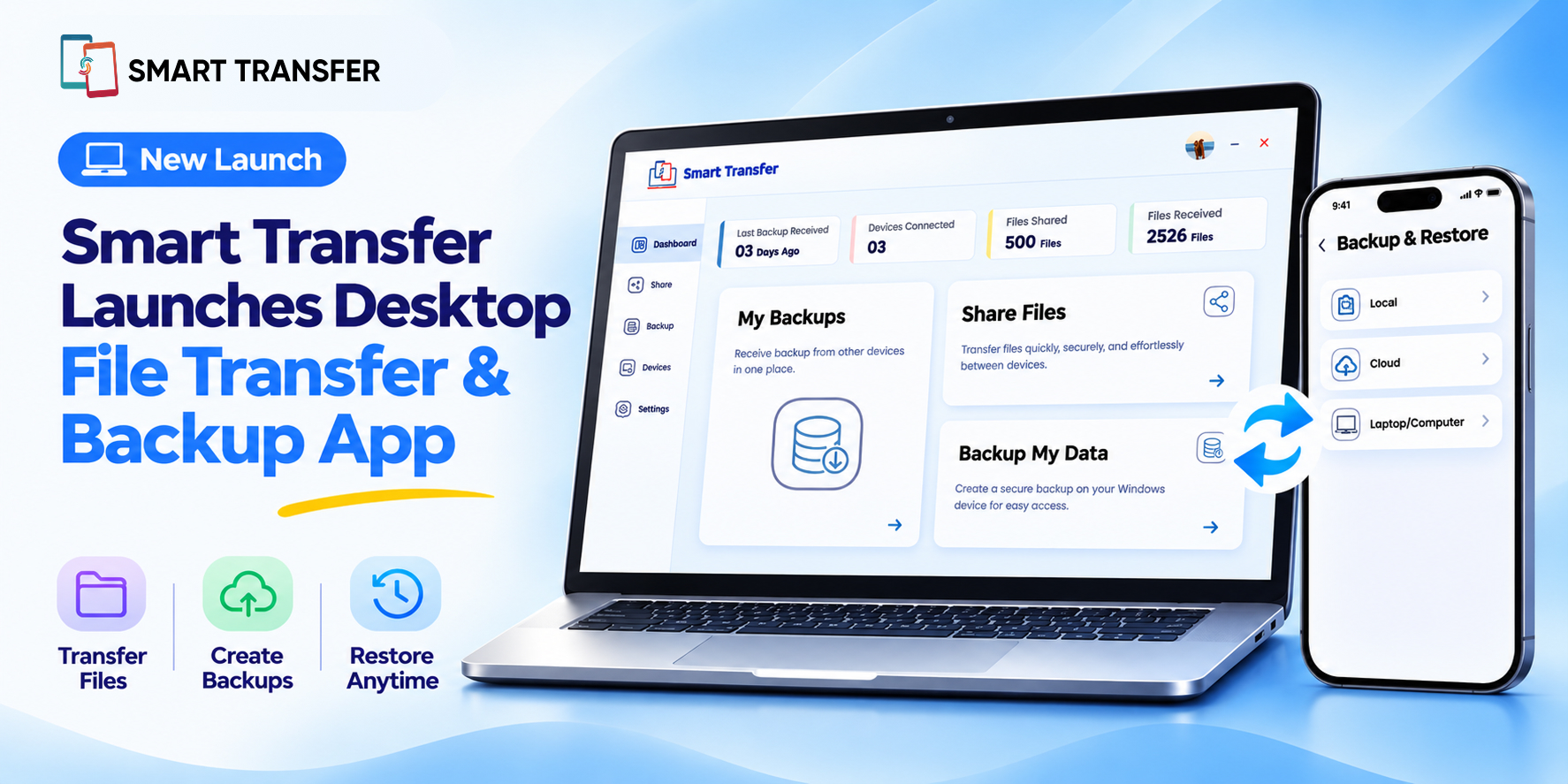
Smart Transfer just got a major upgrade. The new Desktop File Transfer and Backup & Restore features make it easier than ever to back up, share, and recover your files, securely and without cables.
Whether you’re moving data between computers or keeping your important files safe, Smart Transfer now brings powerful file sharing, backup software, and recovery tools straight to your Windows desktop.
All-New Desktop App for Seamless Transfers
The Smart Transfer Desktop App gives you complete control over your data. Connect your phone and PC to:
Back up desktop files, photos, videos, and audio.
Transfer data from PC to PC quickly over your local network.
Share files securely with nearby or remote devices.
Recover files anytime using easy restore options.
Everything happens through your own Wi-Fi connection, no internet uploads, no cables, and no risk of data loss.
How to Set Up
Download Smart Transfer on your phone and tap Continue to reach your dashboard.
Select Backup & Restore, choose Windows, and upgrade to a Premium plan (monthly or annual).
Download and install the Smart Transfer Desktop App on your Windows PC.
On your desktop, open the app and tap Backup New Device.
Make sure both devices share the same Wi-Fi connection.
Scan the QR code shown on your PC or enter the passcode manually.
Choose what to back up — photos, videos, or audio — and tap Start Backup.
Once complete, your data appears under Recent Backups, where you can manage, rename, or remove devices anytime.
Transfer Large Files Between Desktops
Need to move files quickly between two computers? The desktop app makes large file transfer between desktops fast and reliable. You can choose Share Nearby for local transfers or Share Remotely when devices are apart.
Simply pick your files, scan the code, and let the secure transfer software do the rest.
Reliable Backup and Recovery
Your files deserve protection. The new Backup & Restore tool acts as the best desktop file backup option for users who want peace of mind without cloud storage. Every backup is saved directly to your PC, and you can restore it anytime with one click.
Why Smart Transfer
Smart Transfer combines speed, security, and simplicity. It’s more than just file sharing — it’s your all-in-one transfer and backup software for everyday use.
Transfer data between PC and phone.
Move large files between desktops.
Back up and restore content easily.
Keep every transfer private and secure.
Start Using It Today
The Smart Transfer Desktop File Transfer and Backup & Restore feature are available now for all premium users. Download Smart Transfer and experience the best way to back up, share, and transfer desktop files securely.
No cables. No cloud uploads. Just fast, private, and reliable file management, built for your desktop.
FAQ about Smart Transfer’s Desktop File Transfer & Backup App
1. Can I back up my phone to my computer using Smart Transfer?
Yes. Once your phone and Windows PC are paired through the Smart Transfer desktop app, you can back up photos, videos, and audio files directly to your computer.
2. Do both devices need to be on the same Wi-Fi network?
Yes. For pairing and data transfer to work, both your phone and desktop must be connected to the same Wi-Fi network.
3. Can I transfer files from my desktop to my phone?
Yes. Open the desktop app, select Share Files → Send, choose your files or folders, and scan the on-screen QR code with your phone to begin the transfer.
4. How can I restore my data to my phone?
Open the mobile app, tap Backup & Restore → Windows, connect to your desktop app again, and select the backup you want to restore. The files you backed up earlier will be restored to your phone.
5. Is Smart Transfer secure?
Yes. All backups and file transfers happen directly between your devices over your private Wi-Fi connection. Smart Transfer doesn’t upload or store your data on external servers, keeping every transfer private and safe.
6. Do I need a premium subscription?
Yes. The Backup & Restore feature and desktop app require a Premium plan. You can choose between monthly and annual subscriptions directly within the mobile app.