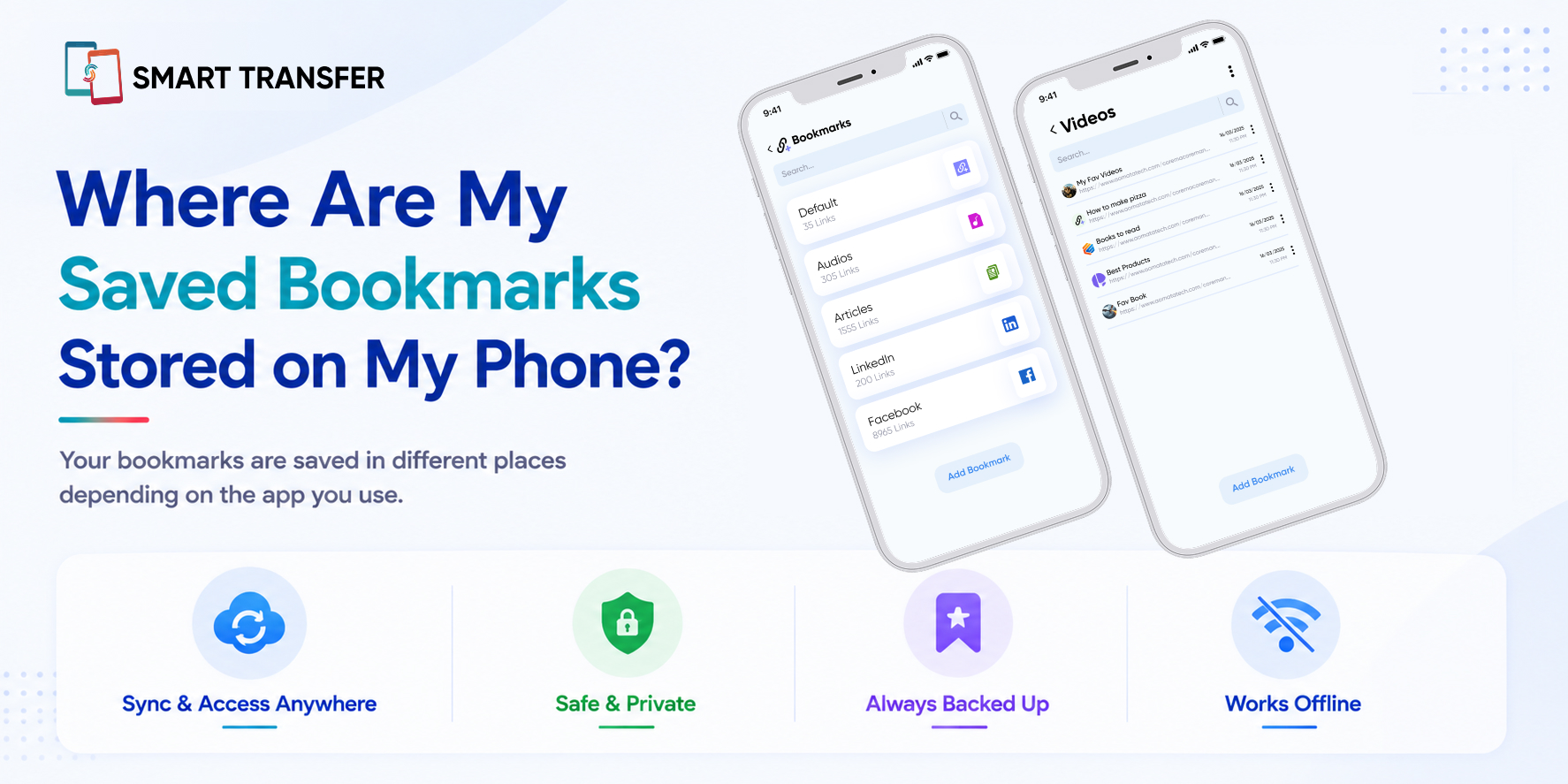
Saved bookmarks are usually stored in the browser where you created them and may also be synced to the account connected to that browser. For example, a bookmark saved in Chrome is typically managed through Chrome, while a bookmark saved in Safari is managed through Safari and may sync across devices through the associated account.
This can make bookmarks confusing to locate. You might be searching in a different browser, signed into a different account, or looking on a new phone where bookmark syncing has not been enabled.
In this guide, we'll answer where your saved bookmarks are stored on your phone, explain how bookmark storage works on Android and iPhone, and show you how to find missing bookmarks and keep your saved links easier to manage.
Key Takeaways
Your bookmarks are usually stored in the browser where you saved them. A bookmark created in Chrome, Safari, Firefox, or another browser is generally managed within that browser rather than in one universal bookmarks folder on your phone.
Bookmarks may also be synced to your browser account. If syncing is enabled, your saved links can appear on other devices when you sign in with the same account.
Missing bookmarks do not always mean they are deleted. You may be using a different browser, signed into another account, or have bookmark syncing turned off.
Where Are Bookmarks Stored on an Android Phone?
On an Android phone, bookmarks are usually stored within the browser where you saved them and may also be synced to the account connected to that browser. There is no single universal folder on Android that contains bookmarks from every browser.
For example, a website saved in Chrome is managed through Chrome, while a bookmark saved in Samsung Internet or Firefox stays connected to that browser. If browser syncing is enabled, your saved links may also appear on other devices when you sign in with the same account.
This is why checking the browser you originally used is the best place to start when you cannot find a bookmark. If it is not there, check whether you are signed into the correct account and whether bookmark syncing is enabled.
If you're planning to switch devices, you can also read our guide on how to transfer bookmarks from one phone to another, which explains how to move your saved links without starting your collection over.
Where Are Bookmarks Stored on an iPhone?
On an iPhone, bookmarks are usually stored within the browser where you saved them and may be synced through the account connected to that browser. For example, bookmarks saved in Safari can sync across your Apple devices when the relevant syncing settings are enabled, while bookmarks saved in another browser remain associated with that browser and its account.
This means there is no single folder on your iPhone where every bookmark from every browser is stored. If you cannot find a saved website, start by opening the browser you used to save it and checking its bookmarks or saved pages section.
If the bookmark is still missing, check whether you are signed into the correct account and whether syncing is enabled. This is especially important if you recently changed phones or restored your device, as your saved links may not appear until the correct browser and account are connected.
Are My Bookmarks Stored on My Phone or in the Cloud?
Your bookmarks may be stored on your phone, synced to the cloud through your browser account, or both. The exact setup depends on the browser you use and whether bookmark syncing is enabled.
When you save a bookmark, the browser keeps track of that saved link. If syncing is turned on, the browser can also connect your bookmarks to your account so they can appear on other devices where you use the same browser and account.
This is why bookmarks can sometimes remain available after you switch phones. However, if syncing is turned off or you sign in with a different account, your saved links may not appear automatically.
The easiest way to think about it is this: your browser manages your bookmarks, while account syncing can help make them available across your devices.
How to Find Your Saved Bookmarks on Your Phone
The easiest way to find your saved bookmarks is to open the browser where you originally saved them and check its bookmarks or saved pages section. Because bookmarks are usually managed by individual browsers, there is no single place on your phone that collects bookmarks from every browser.
Try these steps:
Open the browser you normally use to visit the website.
Look for the Bookmarks, Saved, or Favorites section.
Check that you are signed into the correct account.
Review your browser's sync settings if you recently changed phones or devices.
Check other browsers if you cannot remember where the website was originally saved.
If your bookmarks are spread across different browsers or becoming difficult to manage, Smart Transfer's Bookmarks Manager can help you keep your saved links organized in one place.
If you still cannot find a bookmark after checking the browser and account you used, the issue may be related to syncing, a different account, or browser data being removed.
Why Can't I Find My Saved Bookmarks?
If you can't find your saved bookmarks, they may not actually be deleted. In many cases, the bookmarks are connected to a different browser or account, or they have not synced properly to your current device.
If you recently changed phones and your bookmarks are still available on your old device, do not reset or erase the old phone until you have confirmed that your saved links are safely available on the new one.
How to Keep Your Bookmarks Organized and Easy to Find
Once you know where your bookmarks are stored, keeping them organized can make them much easier to find later. Over time, saved links can pile up across different browsers, making it difficult to remember where a particular website was saved.
Start by reviewing your bookmarks and removing links you no longer use. You can also group important websites by topic, such as work, shopping, travel, or personal interests, depending on the organization options available in your browser.
If you save links across multiple browsers, keeping them in one organized place can also make your collection easier to manage. The goal is simple: the easier your bookmarks are to find, the more useful they become when you actually need them.
Find and Manage Your Saved Bookmarks with Confidence
Your saved bookmarks are usually stored within the browser where you created them and may also be synced to the account connected to that browser. If you cannot find a bookmark, start by checking the right browser, confirming that you are signed into the correct account, and reviewing your sync settings.
Once you know where your bookmarks are stored, keeping them organized can make switching devices and finding important websites much easier. Smart Transfer's Bookmarks Manager can help you keep your saved links in one place and manage them more easily.
Ready to take better control of your saved links? Download Smart Transfer today from Google Play or the Apple App Store and keep your important bookmarks easier to manage.
Frequently Asked Questions About Saved Bookmarks
Where are my bookmarks stored on my Android phone?
Your bookmarks are usually stored within the browser where you created them, such as Chrome, Samsung Internet, Firefox, or another browser. If syncing is enabled, they may also be connected to the account you use with that browser.
Where are Safari bookmarks stored on an iPhone?
Safari bookmarks are managed within Safari and may sync across your Apple devices when bookmark syncing is enabled. If you cannot find them, check that you are using the correct Apple account and that the relevant sync settings are turned on.
Are my bookmarks saved to my Google account?
They can be. If you use Chrome and have syncing enabled, your bookmarks can be associated with your Google account and become available on other devices where you sign in with the same account.
How do I find missing bookmarks on my phone?
Start by checking the browser where you originally saved the bookmark. Then confirm that you are signed into the correct account and that bookmark syncing is enabled. You may also need to check another browser if you use more than one.
Can I recover deleted bookmarks?
It depends on how and where the bookmarks were deleted. If they were synced to another device or account, you may still be able to find them there. Recovery options can vary depending on the browser you use.
Do bookmarks transfer to a new phone?
Bookmarks may transfer automatically if browser syncing is enabled and you sign into the same account on your new phone. If they do not appear automatically, you may need to use another transfer or backup method to move your saved links.